Three ways to transfer everything from iPhone to iPhone:
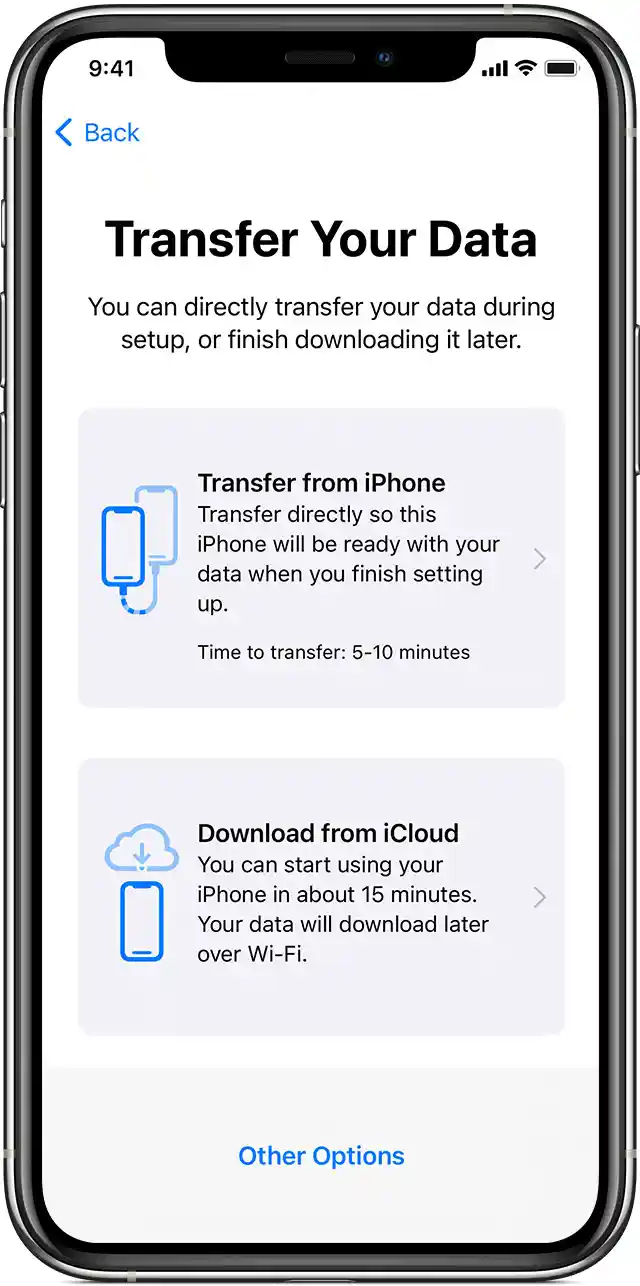
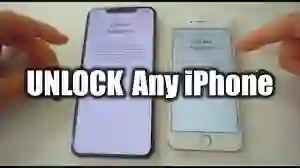
Use Quick Start — if your old iPhone runs iOS 11 or later, you can just place both devices close to each other to automatically set up your new iPhone.
Transfer your data with iCloud— you can create an iCloud backup on your old iPhone and then use it while setting up your new device. All you need is a Wi-Fi connection; you don’t have to bother with plugging your iPhone into a computer.
Restore your iPhone from iTunes — use your Mac or PC to create an iTunes backup. Then, you’ll need to connect your new iPhone to the same computer to transfer your data.