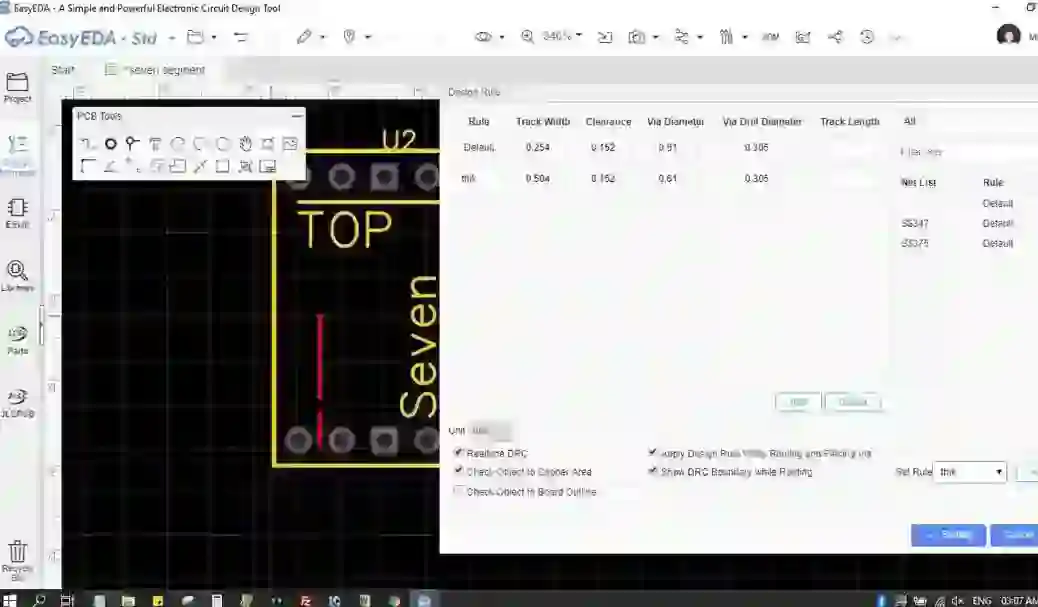
We can change width of the track by going through following steps
- Go to Toos option
- click on 'Decign rule
- here, you have two option, firstly, you can edit the track width on 'default' rule. Secondly, you can create your own customize design rule by clicking on 'add' and then putting value of your design rule
- Then select the design rule from 'set rule' drop-down menu and click on 'apply' and then click on 'setting'
- Now, your tracking width will be change to your selected design rule
If any query, please feel free to ask me in below comment field.