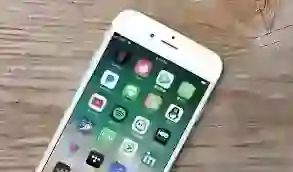
The first through phone settings and the third with the help of apps. Turn on the phone in the first way and go to Settings.
Now go to the section with the app. Click on the app you want to hide from it. Now you will see two options with the details of the app. First disabled and second force stop.
Now click on the disabled option. This will keep your app hidden from the home page. Similarly, you can hide the rest of the app as well. Learn another way to hide the app in the next slide.