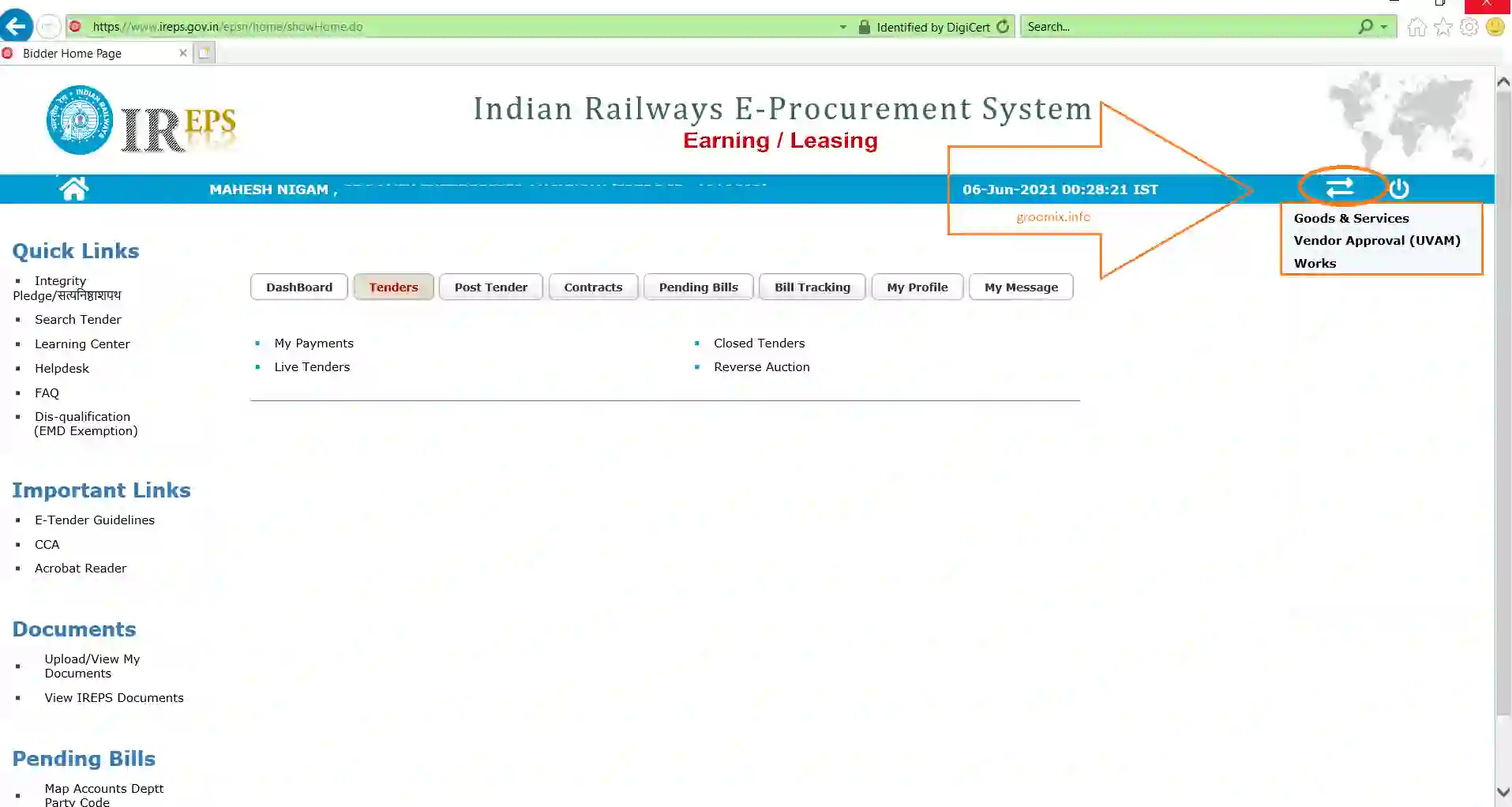
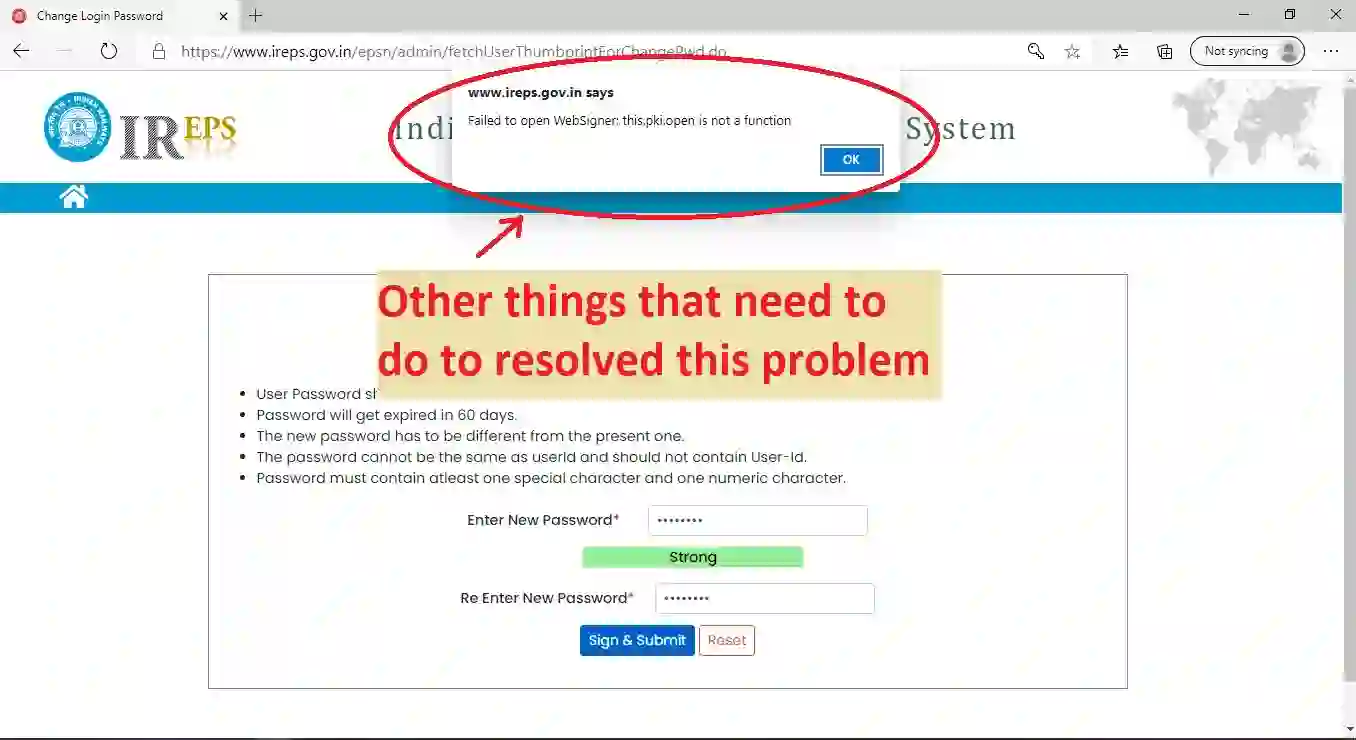
- go to ireps.gov.in website and open its homepage
- Put your updated DSC on your computer.
- On website, find the link named as "Contact Us" (at the end of webpage, right side)
- Click on "contact us" link in blue color
- Above link will open contact us page, find there a link "Request For change of Digital Signing Certificate" and click on it.
- Then put your registered login email address and click on button "update DSC"
- This will prompt a dialog page asking you to choose your dsc. Choose DSC and click ok
- Your are done, now ireps will process your updating request. It take usually 3-4 days to update dsc on ireps.gov.in website
If you are facing any problem, contact ireps helpdesk, for delpdesk contacts Click here